WhatsApp Business API vs Website Chat Widget: Which Is Right for Your Business in 2026?
If you want more customers to reach you on WhatsApp, you will quickly face a choice. Do you sign up for the official WhatsApp Business API, or do you add a simpler website chat widget that sends visitors to your existing WhatsApp number?
Both options can bring you more conversations, but they work very differently and cost very differently. Many small businesses in India pay for the API when a lighter tool would do the job better. Others pick a basic button and lose leads because nothing qualifies or records them.
This guide compares the two side by side, explains real WhatsApp Business API pricing in India for 2026, and helps you decide whether you need the API or a smart WhatsApp Business API alternative like MyWaChat.
What Is the WhatsApp Business API?
The WhatsApp Business API, now part of Meta's WhatsApp Business Platform, lets companies connect WhatsApp to software. It is built for scale: sending order updates, OTPs, payment reminders and marketing broadcasts to thousands of customers, and running automated replies inside WhatsApp itself.
Most businesses do not connect to it directly. They use a Business Solution Provider (BSP), which offers a dashboard, a shared inbox and chatbot tools on top of the API. To get started, you usually need a verified Meta Business account, a phone number that is not already active on the WhatsApp app, and pre-approved message templates for anything you send first.
What Is a Website Chat Widget With WhatsApp Handoff?
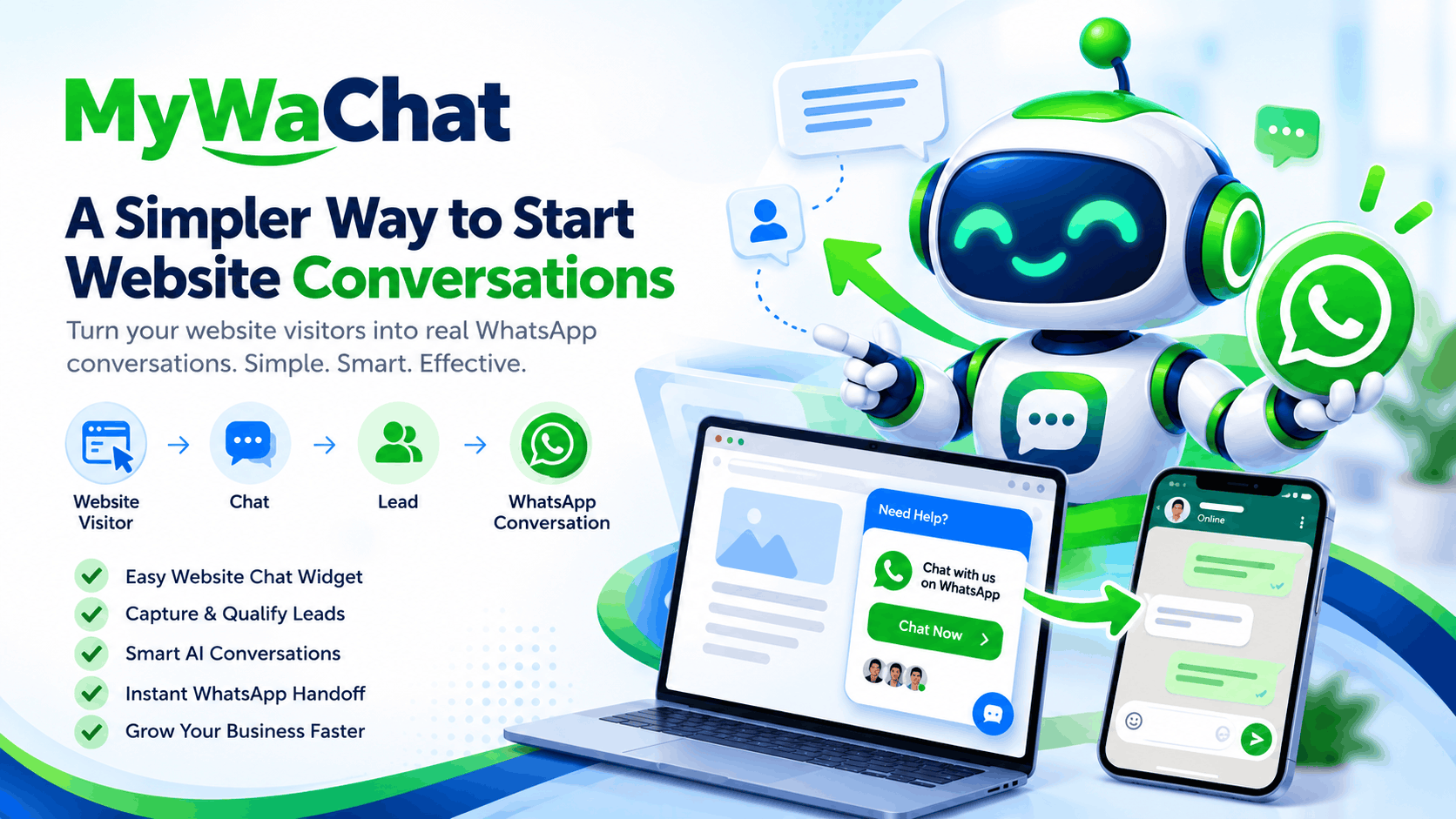
A WhatsApp chat widget for website works from the other direction. Instead of you messaging customers, the customer starts on your website. A small chat window greets them, asks guided questions, shares answers or brochures, and collects their name and number. When they are ready, it opens WhatsApp on their phone or computer with a pre-filled message to your number.
You then reply from your normal WhatsApp or WhatsApp Business app. There is no Meta API setup, no template approval and no per-message bill from Meta for that handoff. MyWaChat is built exactly for this flow, with a no-code decision-tree builder and optional AI answers.
WhatsApp Business API Pricing in India (2026)
Understanding WhatsApp Business API pricing in India is the key to this decision, because the API has two or three layers of cost.
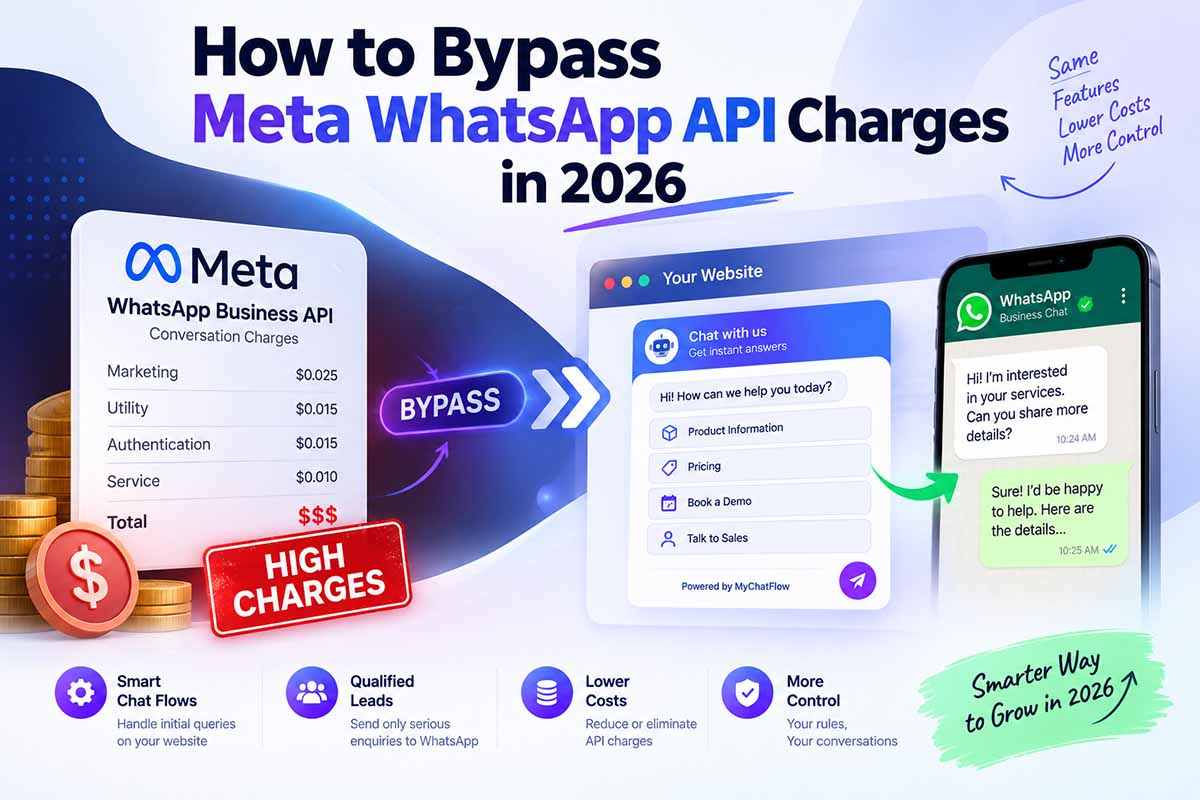
1. Meta's per-message fees. Since July 1, 2025, Meta charges for each delivered template message instead of per conversation, as explained in the official WhatsApp Business Platform pricing documentation. The rate depends on the message category and the recipient's country. For Indian numbers, rates from January 1, 2026 are roughly:
• Marketing messages: about ₹0.86 per message (up from about ₹0.78)
• Utility messages: about ₹0.115 per message
• Authentication messages: about ₹0.115 per message
Free-form replies sent while a customer service window is open are generally not charged, which is why inbound conversations cost far less than outbound campaigns.
2. Your provider's platform fee. BSPs charge a monthly subscription, a markup on each message, or both. Plans for Indian SMBs commonly run from a few thousand rupees a month upward, depending on users and features.
3. GST. An 18% GST applies on top of these charges.
Here is a simple example. A business sending 5,000 marketing messages a month pays about ₹4,316 to Meta, or roughly ₹5,092 after GST, before adding any platform fee. For a high-volume brand, that is worthwhile. For a local business that mainly wants website enquiries, it can be money spent on the wrong problem.
Side-by-Side: API vs Website Chat Widget
Who starts the conversation? With the API, you can message customers first using approved templates. With a website widget, the customer starts the conversation on your site.
Setup time. The API needs Meta business verification, a dedicated number and template approvals, which can take days. A widget like MyWaChat goes live in minutes by pasting one line of code.
Cost model. The API combines per-message Meta fees, platform fees and GST. A website widget uses a flat subscription, with zero Meta API conversation charges for the handoff.
Your WhatsApp number. The API typically needs a number dedicated to the platform. A widget hands chats to the WhatsApp or WhatsApp Business number you already use.
Broadcasts and notifications. The API is the right tool for bulk campaigns, order updates and OTPs. A website widget does not send broadcasts.
Lead qualification on your website. A website widget is built for this, with menus, forms and media. With the API, you need extra website tools to do the same job.
Best for. The API suits e-commerce brands, fintech and large teams messaging thousands of customers. A widget suits SMBs, consultants, agencies, real estate, coaching and local services that want more website leads.
When You Need the WhatsApp Business API
Choose the API if most of these are true for you:
• You need to send order confirmations, shipping updates or OTPs automatically.
• You run regular promotional broadcasts to large opted-in customer lists.
• Several agents need to reply from one shared WhatsApp number at the same time.
• You want chatbots running inside WhatsApp, not only on your website.
For these needs, the API is worth its cost, and no website widget can replace it.
When a Website Chat Widget Is the Smarter Choice
A WhatsApp chatbot without API setup is the better fit if:
• Most of your WhatsApp enquiries come from your website and ads that land on it.
• You want to qualify visitors before they message you, not after.
• You prefer a fixed monthly cost over unpredictable per-message bills.
• You want to keep using your existing WhatsApp Business app and number.
• You manage websites for clients and need a simple tool you can deploy on many domains.
This describes most real estate consultants, coaching institutes, clinics, interior designers, travel agents, service businesses and digital agencies in India. For them, the main goal is turning website visitors into WhatsApp leads, and a widget does that directly.
How MyWaChat Works as a WhatsApp Business API Alternative
MyWaChat focuses on the part of the journey the API does not cover well: the first conversation on your website.
1. Guided flows: Build menus and multi-step decision trees with a no-code chatbot builder, so visitors find answers in a few clicks.
2. Lead capture: Ask for the visitor's name and WhatsApp number before the handoff, so every lead is saved in your dashboard.
3. Rich media: Share images, videos and PDF brochures right inside the chat.
4. AI fallback: Connect your own OpenAI or Google Gemini key so an AI chatbot for website visitors can handle questions your flow does not cover.
5. WhatsApp handoff: The visitor lands in WhatsApp with context already in the message, and your team replies from the app they already use.
Domain-locked security, custom branding, audit logs and multi-site support make it practical for agencies too. You can see the full experience in the MyWaChat live demo. For a deeper look at setup, read our guide on how to add a WhatsApp chatbot to your website.
Cost Comparison: A Simple Example
Imagine a real estate consultant who gets 3,000 website visitors a month and wants more WhatsApp enquiries.
With an API-based setup, they would pay a BSP subscription, Meta fees for any template follow-ups, and GST on both. They would also still need a website tool to capture and qualify visitors.
With MyWaChat, they pay one flat plan. The MyWaChat pricing starts at ₹899 per month for the Starter Toolkit, while Growth PRO costs ₹4,999 for six months with unlimited widget loads and AI. Every handoff to WhatsApp carries no Meta API charge, so a busy month does not mean a bigger bill.
Can You Use Both Together?
Yes, and growing businesses often do. A website widget captures and qualifies new enquiries, while the API handles transactional messages and campaigns to existing customers. Starting with a widget lets you build your WhatsApp lead pipeline cheaply first, then add the API later when your volume justifies it.
Frequently Asked Questions
Is there a free alternative to the WhatsApp Business API?
A basic click-to-chat link is free, but it does not qualify or save leads. A low-cost tool like MyWaChat adds guided flows and lead capture without per-message Meta fees.
Do I need a separate phone number for MyWaChat?
No. Visitors are handed to your existing WhatsApp or WhatsApp Business number.
Can a website widget send bulk WhatsApp messages?
No. Bulk broadcasts and automated notifications need the official WhatsApp Business API.
Is the WhatsApp Business API cheaper in India than in other countries?
Yes. India has some of the lowest per-message rates globally, but provider fees and GST still add to the total cost.
Conclusion: Pick the Tool That Matches Your Goal
The WhatsApp Business API is powerful, but it is built for sending messages at scale. If your real goal is turning website visitors into qualified WhatsApp leads, a website chat widget is faster to set up, easier to manage and far more predictable on cost.
Ready to try it? Create your free MyWaChat account and launch your first chat flow in minutes, or explore more guides on the MyWaChat blog.
Ready to stop paying Meta?
Embed our smart widget today and route unlimited chats directly to your WhatsApp for free.
Create Your Account