Most visitors leave a website without filling in a form. They scroll, check your prices, and
close the tab. But give them a quick way to ask a question on WhatsApp, the app they
already use every day, and you have a far better chance of turning that visit into a real
conversation.
That is exactly what a WhatsApp chatbot for website does. In this guide, you will learn what
it is, how it differs from the WhatsApp Business API, what it costs in 2026, and how to set
one up in minutes with MyWaChat.
What Is a WhatsApp Chatbot for Website?
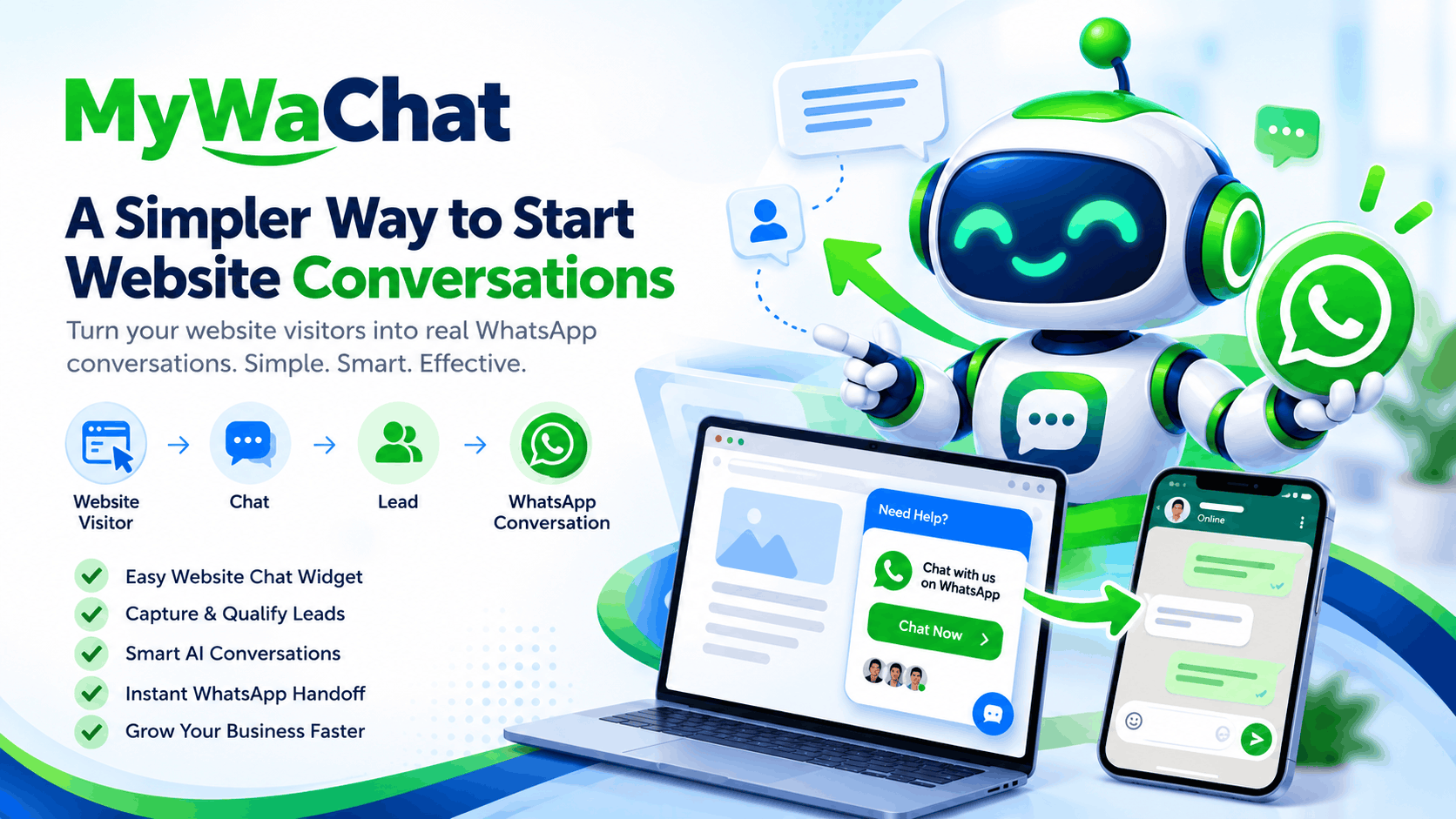
A WhatsApp chatbot for website is a chat widget that sits in the corner of your site, greets
visitors, asks a few guided questions, and then sends the qualified visitor to your WhatsApp
number with their details already in the message.
Instead of a blank "Chat with us" button, the visitor sees a simple menu: Pricing, Services,Book a Demo, Talk to Sales. Each choice leads to an answer, an image, a PDF brochure, or a short lead form. When the visitor is ready, the chatbot opens WhatsApp and you continue
the conversation from your normal WhatsApp or WhatsApp Business app.
It combines two things every growing business needs: a website chatbot that works 24/7,
and a WhatsApp lead generation channel where sales actually close.
Why a Simple WhatsApp Button Is Not Enough
Many websites already have a floating click-to-chat WhatsApp button. It is free and easy to
add, but it creates three problems.
- No qualification. You receive "Hi" messages with no context, and your team spends
the first five minutes asking the same questions every time. - No lead capture. If the visitor opens WhatsApp but never presses send, you have
nothing: no name, no number, no follow-up. - No instant answers. Visitors with simple questions about timings, fees or delivery
areas still have to wait for a human to reply.
A lead generation chatbot fixes all three. It answers common questions instantly, collects
the visitor's name and WhatsApp number first, and only then hands over a warm, organised
conversation your team can close quickly.
A WhatsApp Chatbot Without the WhatsApp Business API
Most WhatsApp chatbot tools in India run on the official WhatsApp Business API through a
Business Solution Provider. That route makes sense for bulk broadcasts and order
notifications, but it comes with setup work such as Meta business verification and template
approvals, plus ongoing per-message costs.
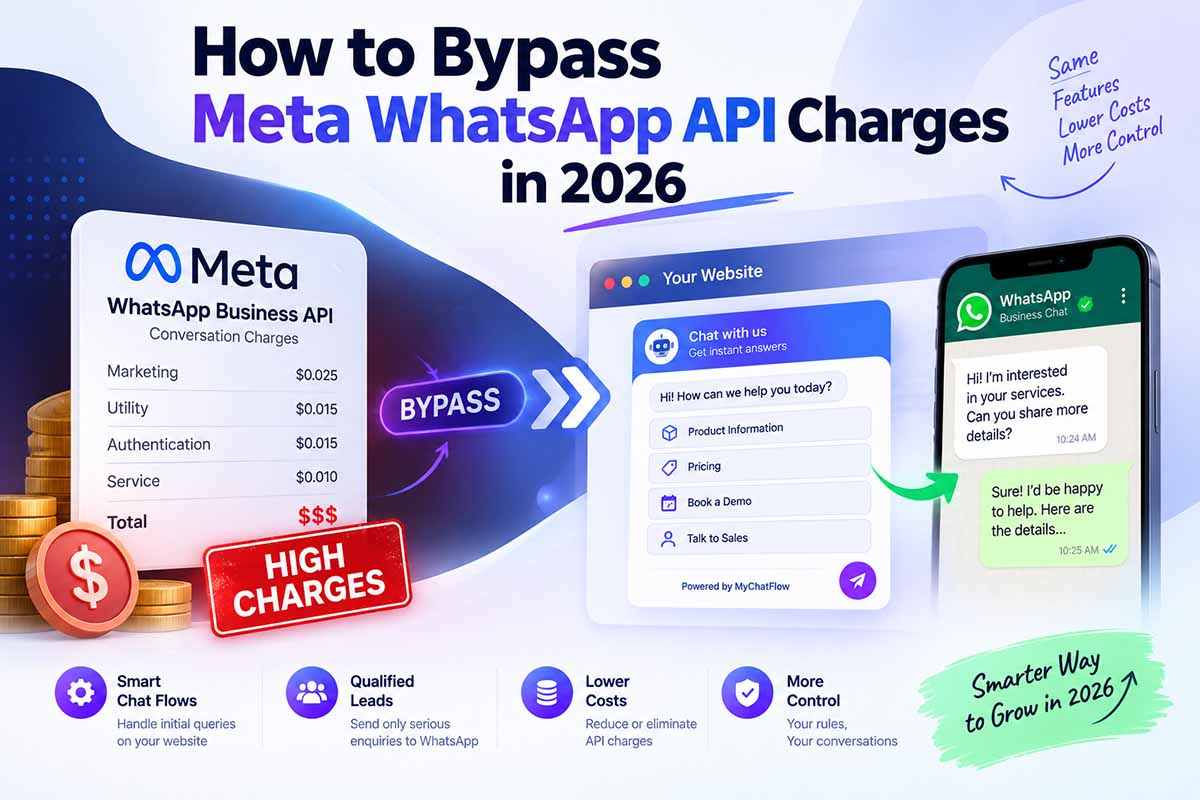
Since July 1, 2025, Meta charges for each delivered template message instead of per
conversation, according to the WhatsApp Business Platform pricing documentation. In India,
the marketing message rate rose to about ₹0.86 per message from January 1, 2026, and
providers usually add their own platform fees and 18% GST on top. For a business sending
thousands of messages a month, those small amounts add up fast.
MyWaChat takes a different route. The guided website conversation runs inside the
MyWaChat widget, and the final step opens the visitor's own WhatsApp app with a pre-
filled message to your number. Because no WhatsApp Business API flow is involved, there
are zero Meta API conversation charges for the website-to-WhatsApp journey. You simply
keep using your existing WhatsApp or WhatsApp Business account.
For small businesses, agencies and consultants whose main goal is getting more leads into
WhatsApp, this is a chatbot without WhatsApp Business API complexity and without a per-
message bill. If you also need bulk broadcasts or automated order updates, the API still has
its place; MyWaChat focuses on capturing and qualifying the inbound website conversation.
Key Features to Look For in a WhatsApp Chat Widget for Website
When you compare tools, check that the WhatsApp chat widget for website you choose
offers these essentials:
- No-code chatbot builder: Create menus and decision trees visually, and change
questions anytime without touching your website code. - Lead capture before handoff: Ask for a name and WhatsApp number before the
visitor moves to WhatsApp, so no lead is lost. - Rich media replies: Share images, videos and PDF brochures right inside the chat
flow. - AI fallback: Let an AI chatbot for website answer free-text questions that fall outside
your menu. - Domain security: Restrict the widget to your approved domains so nobody can copy
and misuse it. - Custom branding: Match your logo, icon and theme colour so the widget feels like
part of your site. - Audit logs: Review every conversation to improve your flow and train your team.
- Multi-site support: Essential for agencies that manage chatbots for many clients.
MyWaChat includes all of these in one dashboard. See the full feature list.
How to Add a WhatsApp Chatbot to Your Website in 3 Steps
Wondering how to add WhatsApp chat to a website without a developer? With MyWaChat
it takes three steps.
- Build your flow. Create a free account, pick your colours and logo, and write a
welcome message. Then add the options visitors can choose, such as Pricing,
Services, FAQs or Talk to Sales. - Paste the script. Add your website domain in the dashboard and copy the one-line
embed code into your site. It works on any site where you can add a custom script,
including WordPress, Shopify and custom HTML pages. - Start capturing leads. Once the widget is live, visitors follow your flow, share their
details when asked, and continue the conversation on your WhatsApp number.
Want to see it working first? Try the MyWaChat live demo.
Who Benefits Most From a WhatsApp Lead Generation Chatbot?
Any business that sells through conversations can benefit, but these see the fastest results.
- Real estate developers and consultants: A chatbot for real estate website visitors
can ask for budget, location and property type, then send a brochure PDF before
connecting the buyer to an agent on WhatsApp. - Coaching institutes and schools: Share course details, fees and batch timings
instantly, and collect the student's number for counselling. - E-commerce stores: Answer delivery, return and sizing questions automatically, and
send ready-to-buy shoppers to WhatsApp to complete the order. - Clinics, salons and local services: Let visitors pick a service and preferred time, then
confirm the booking on WhatsApp. - Digital marketing agencies: Offer website chatbots as a service, manage multiple
client domains, and show clients organised leads every month.
Smart AI Fallback: Guided Flows Plus AI
- Predefined flows are fast and accurate, but visitors do not always click the buttons. Some
type their own questions. MyWaChat handles this with an AI fallback engine: connect your
own OpenAI or Google Gemini API key, and AI will reply to free-text questions that your flow
does not cover.
This hybrid approach gives you the best of both worlds. Your most important answers stay
exactly as you wrote them, while AI covers the long tail of unusual questions. Because you
bring your own key, you control both the AI provider and your AI spending.
3 Tips to Get More Leads From Your Website Chatbot
- Keep the first menu short. Three to five options are easier to choose from than ten,
and visitors decide faster. - Ask for details at the right moment. Request the name and WhatsApp number after
you have answered a question, not before, so visitors see value first. - Review your audit logs monthly. Look for questions visitors keep typing, then add
them to your flow as new menu options.
MyWaChat Pricing: Affordable for Indian Businesses
MyWaChat offers simple subscription plans with no per-message charges.
- Starter Toolkit: ₹899 per month, up to 1,000 unique widget loads, ideal for blogs and
small businesses. - Growth PRO: ₹4,999 for six months, with unlimited widget loads, the AI assistant
engine and custom URL support. - Agency VIP: ₹8,999 per year, with unlimited usage, advanced AI and a dedicated
account manager.
Compare plans on the MyWaChat pricing page.
Frequently Asked Questions
Do I need the WhatsApp Business API to use MyWaChat?
No. The website flow runs through MyWaChat and hands the visitor to your regular
WhatsApp or WhatsApp Business number.
Will the chatbot slow down my website?
The widget loads through a small JavaScript file, separate from your page content. Actual
speed still depends on your hosting and other scripts.
Can I use ChatGPT or Gemini with my website chatbot?
Yes. Connect your own OpenAI or Google Gemini API key to answer questions outside your
predefined flow.
Can I use one account on multiple websites?
Yes. You can add more than one domain, depending on your plan.
Start Turning Website Visitors Into WhatsApp Leads
Your website already attracts visitors. The question is how many of them become
conversations. A WhatsApp chatbot for website closes that gap by answering questions
instantly, capturing contact details, and delivering qualified leads straight to the app your
team already uses.
If you are looking for the best WhatsApp chatbot in India for lead generation without API
fees, MyWaChat is built for exactly that. Start building your chatbot free today, or read
more guides on the MyWaChat blog.
Ready to stop paying Meta?
Embed our smart widget today and route unlimited chats directly to your WhatsApp for free.
Create Your Account